• Your personal recipe vault
  • Never loose a great recipe! Clip, edit, cook, and organize meals from anywhere.
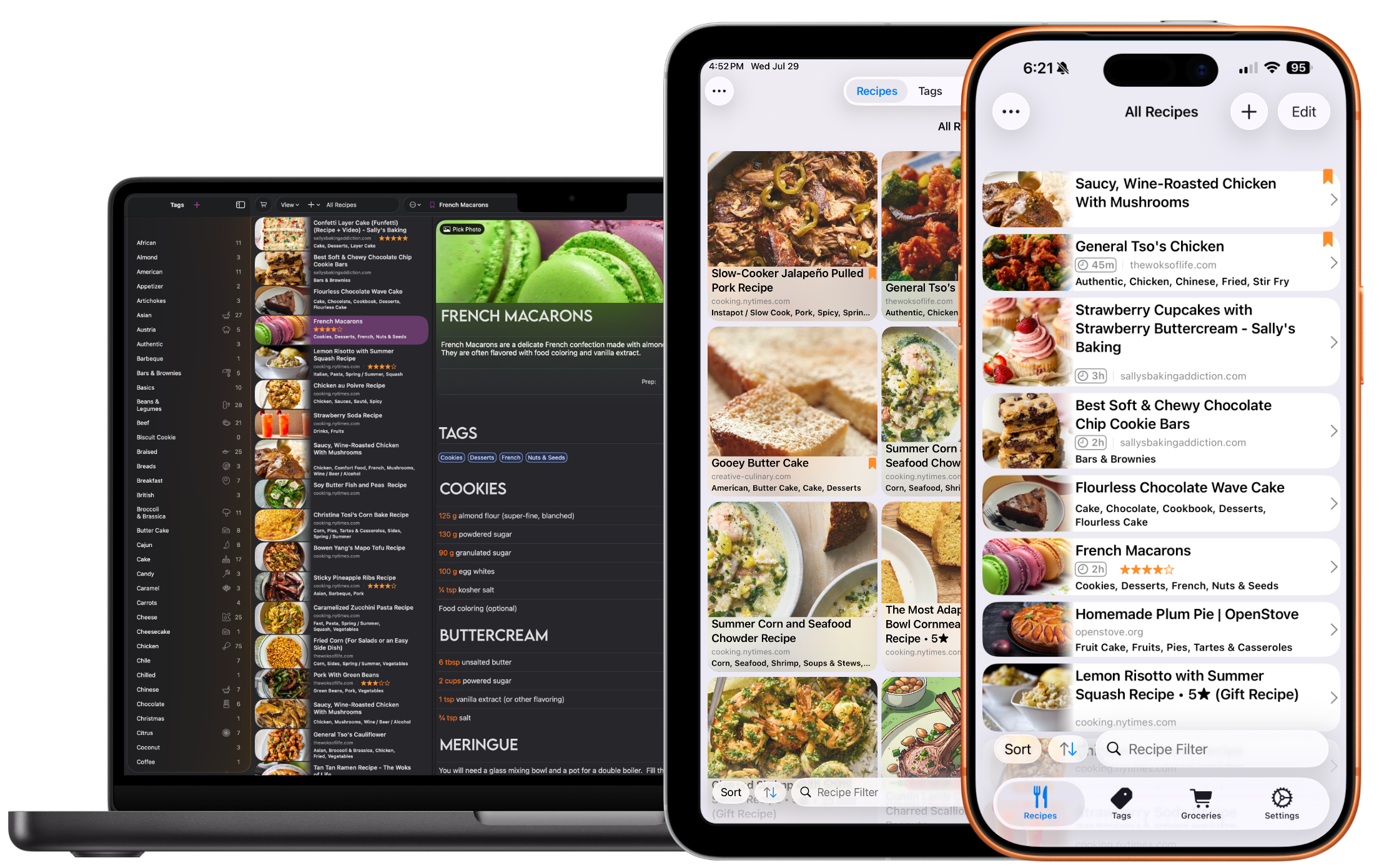
  • Cookery App Screenshot
  • Download for free on the App Store
  • Free to Try
  • No Subscription to Buy
    • Browser Import
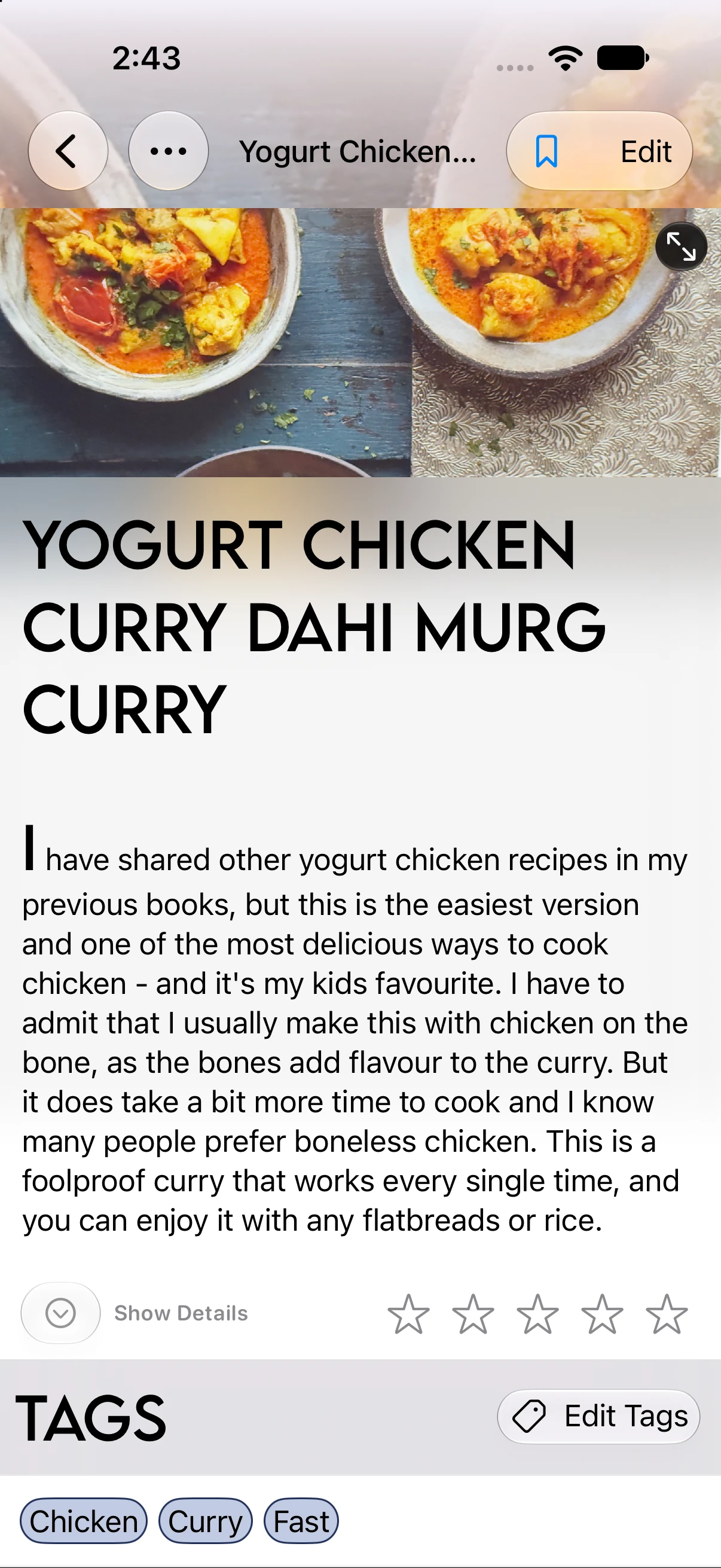
    • Image showing the recipe browser import view
    • Fast recipe import from your browser. Most websites are supported!
    • Photo Import
      (Requires Apple Intelligence & Cookery+)
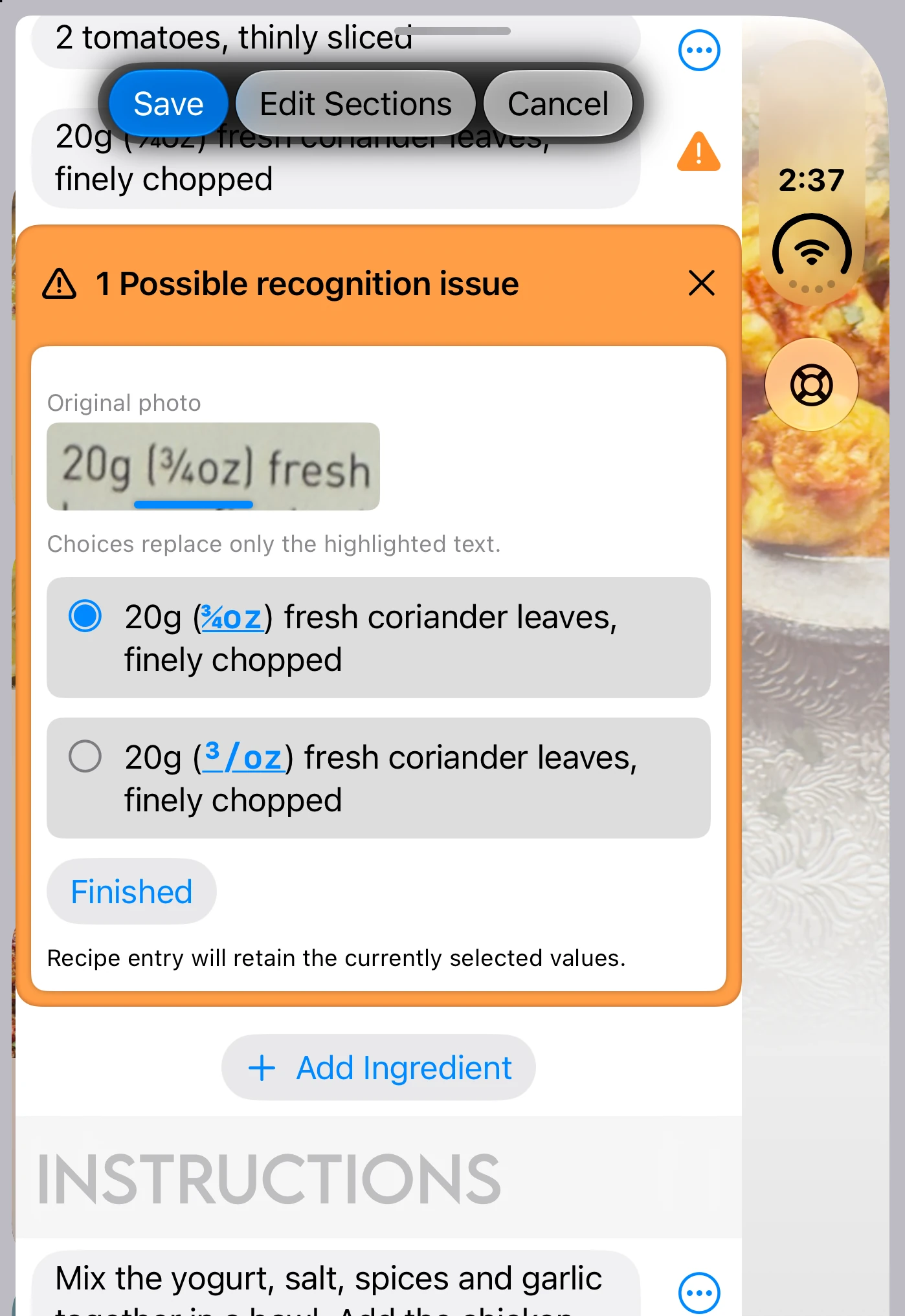
    • Image showing photo import process.
    • On-device AI categorizes your recipe so you can quickly import any recipe.
    • Multiformat Export
      (Requires Cookery+)
    • Image showing result of pdf export in Cookery
    • Export to PDF, a text file, or share your recipe file directly with another Cookery user.

      Requires Cookery+

    • Links
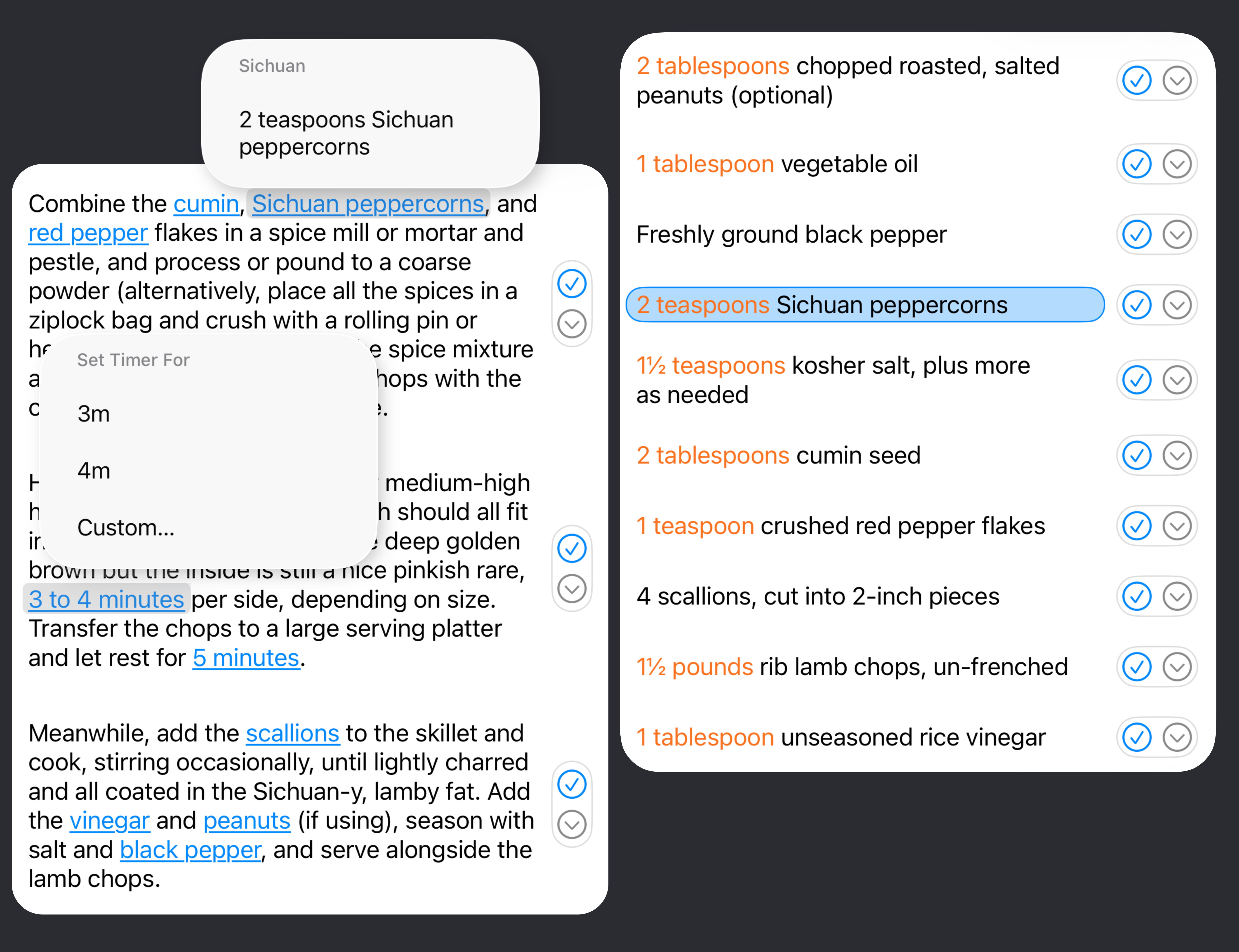
    • Image showing the linking feature for ingredients.
    • Ingredients and instructions are auto-linked on import (or edit) - how many teaspoons? Just tap!
    • Tags
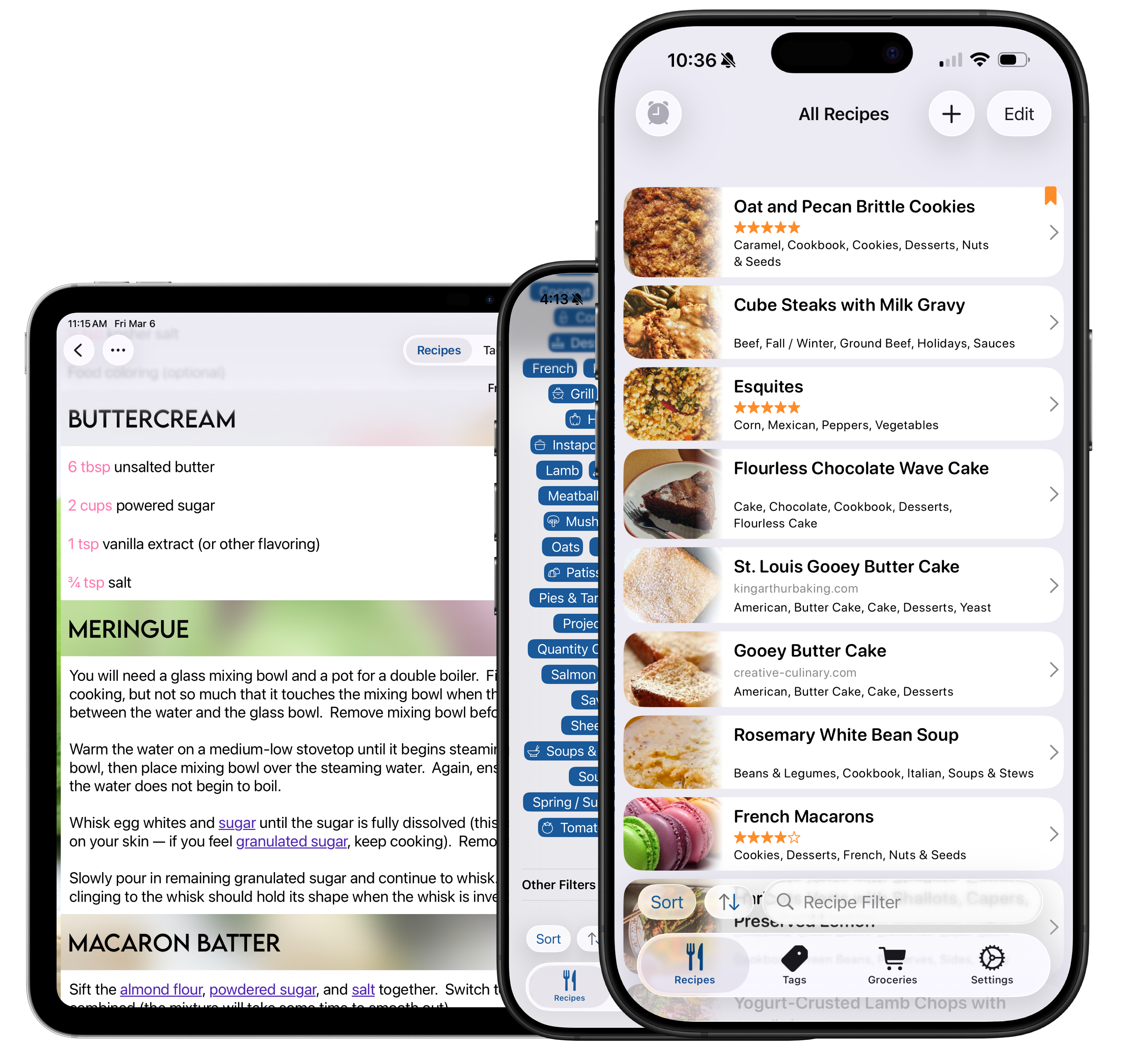
    • Image showing the tag filtering options for Cookery
    • Setup tags to quickly organize and locate recipes. Filter with combination of tags and search terms to zero in on the recipe you need.
    • Recipe Timers
      (iOS Only)
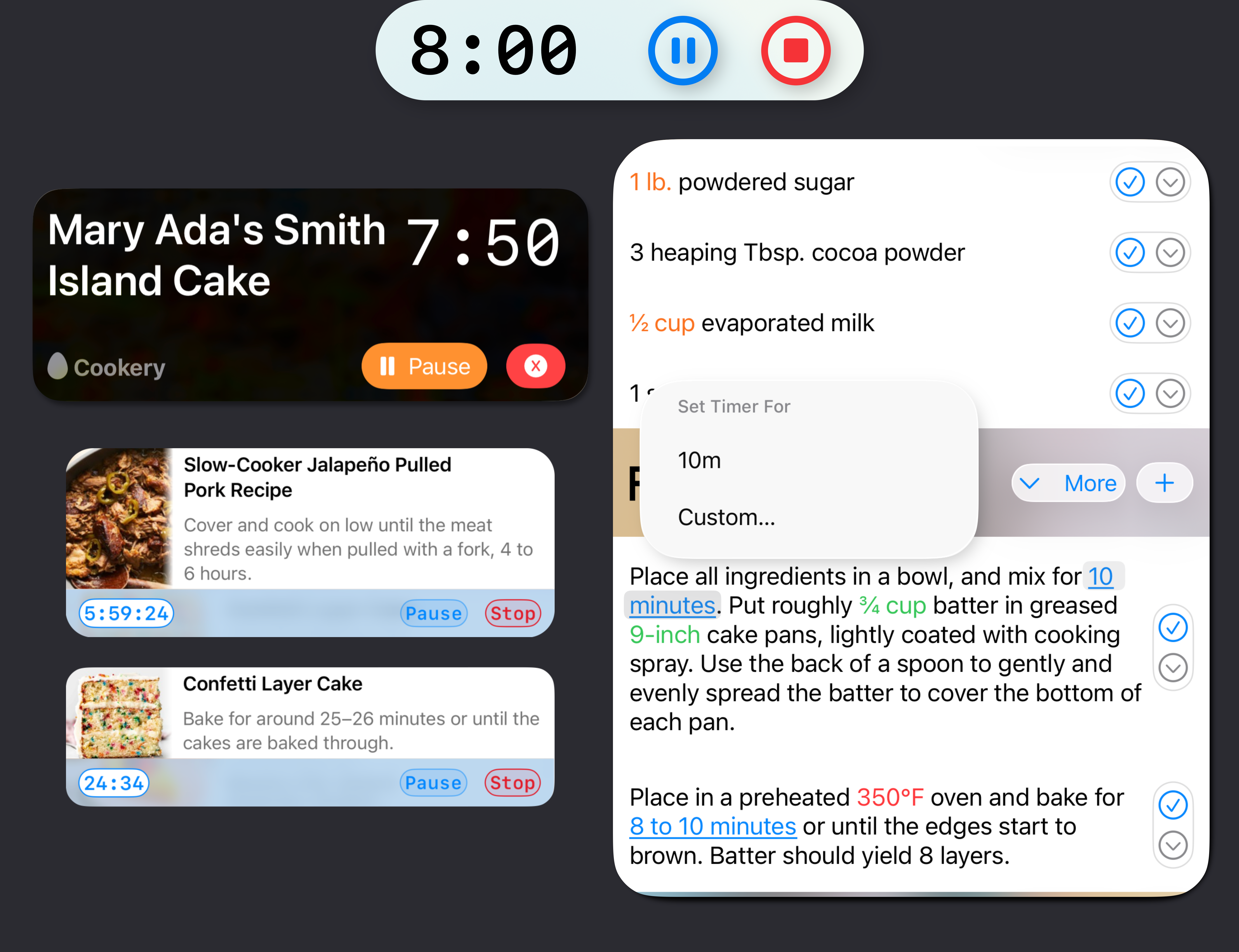
    • Image showing the creation of custom alerts for Assignments
    • Set a timer within your recipes -- works just like a native iOS Timer, accessible via the home screen or lock screen.
    • Groceries
    • Image showing grocery list feature of Cookery
    • Update your grocery list quickly so you'll know what you need to cook the recipe.
    • Edit Recipes
    • Image showing the creation of custom alerts for Assignments
    • Quickly make changes to a recipe you're using, and there's no need to find your place in a huge text field -- edit the current line directly.
    • Additional Features
    • ∙ Auto-Linked Instructions New!
    • As soon as you import a recipe, time-ranges and ingredient references will be linked. Directly view ingredient quantity while cooking, without scrolling, or set timers with a tap.
    • ∙ Import from Photos Improved!
    • Import recipes directly from a picture! Import recipes from magazines, cookbooks, and even handwritten recipes -- and with Apple Intelligence ensuring the recipe is formatted correctly, there is no user input required! Requires iOS 26 and Apple Intelligence. Click here for instructions.
    • Improved with better auto-correction of OCR (optical character recognition) text.
    • ∙ Import from Text
    • Write your recipes or store them in Apple Notes or another text editor? Tap the Share icon and add them to Cookery automatically. Requires iOS 26 and Apple Intelligence.
    • ∙ Clip from the Web
    • Save recipes with one tap from Safari or the built-in browser. Clean formatting and smart parsing make imported recipes look and feel native. Click here for instructions.
    • ∙ Export, Share, and Print Recipes
    • Recipes can be exported (Cookery+) to a file for sharing with other Cookery users, or converted to PDF, plain text, and (on MacOS) RTF.
    • ∙ Edit Recipes Instantly
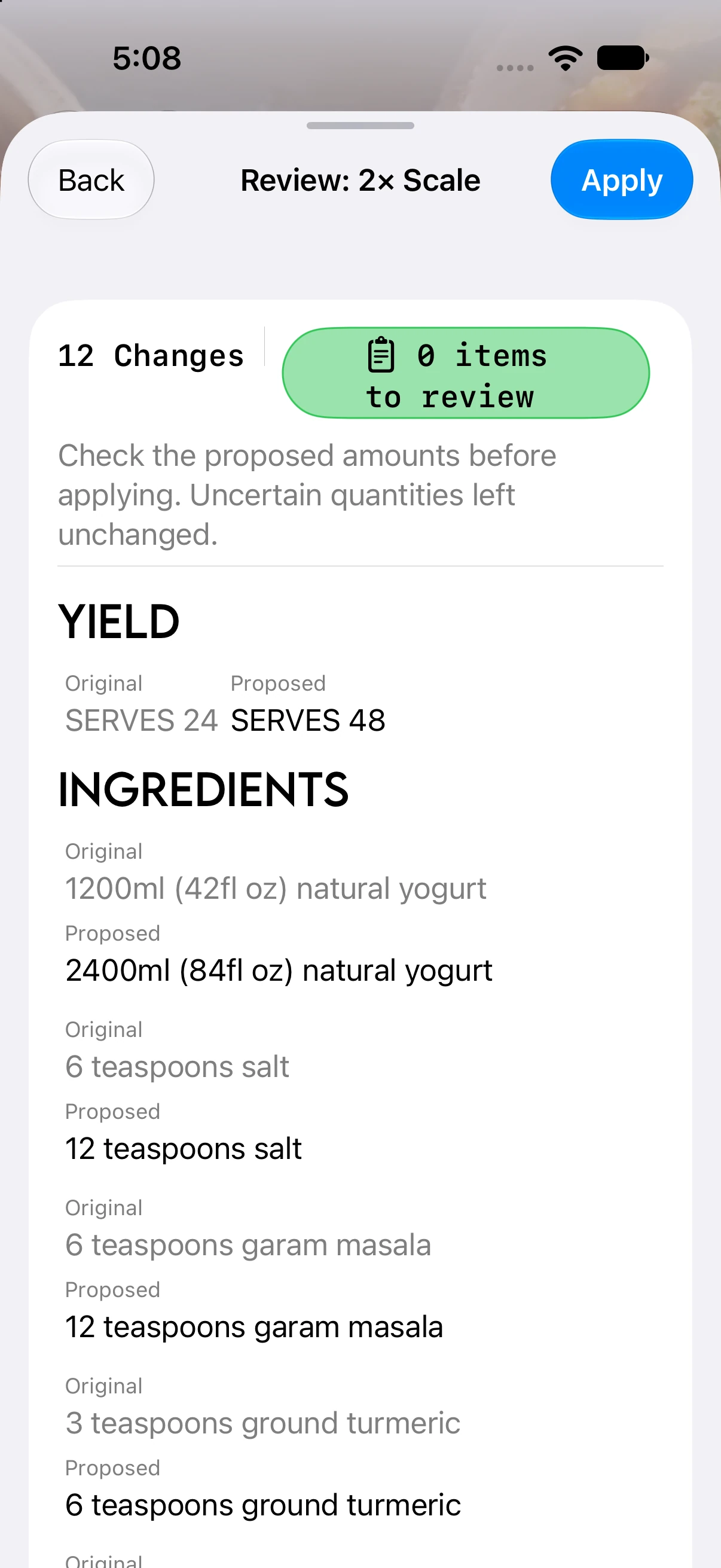
    • Quickly edit ingredients, instructions, and other recipe details to suit your taste or dietary preferences. Organizing your digital cookbook has never been easier.
    • ∙ Search with Spotlight
    • Search for recipes from the home screen -- and open them directly from the home screen.
    • ∙ Track Your Cooking Progress
    • Follow along (and mark progress) with a clean, distraction-free interface -- perfect for hands-on cooking.
    • ∙ Sync Across Devices
    • With iCloud support, your recipes and lists are always up-to-date on iPhone and iPad, no extra accounts or setup required.
    • ∙ Optimized for iPad
    • Take full advantage of iPad's larger screen and multitasking support. Perfect for use in the kitchen. Whether you're a beginner cook or a seasoned home chef, Cookery brings all your culinary tools into one seamless, beautifully designed app.
© 2022 Pinwheel Development